Back to blog Release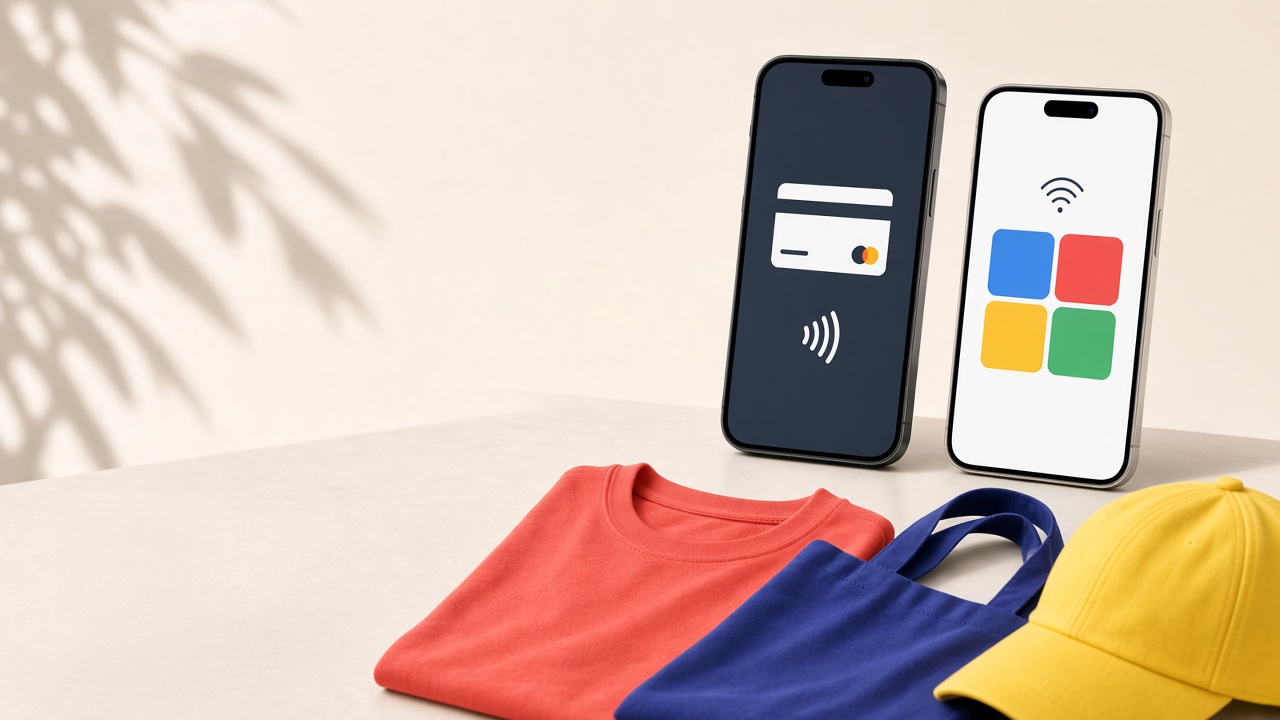
ReleaseMerchi now supports Apple Pay and Google Pay
Merchi checkout now accepts Apple Pay and Google Pay. On a supported phone, tablet, or browser, customers can pay with the wallet already on that device. Card payments stay on the same checkout.
What shipped
Apple Pay and Google Pay are card wallets on the Stripe payment form. They appear when the shop domain is registered for those wallets and the customer's device can use them. A completed wallet payment is recorded on the invoice with the other Stripe payments.
Who it is for
- Sellers who want a faster checkout on phones and browsers that already have a wallet set up
- Suppliers collecting on the same Stripe checkout
- Customers paying from an iPhone, iPad, Mac, or an Android device with Google Pay
How to try it
- Open the company in the dashboard and go to Payment Options
- Confirm the Stripe keys are saved
- Choose Apply Apple Pay so the shop domains are associated with Apple Pay
- In Stripe, confirm the checkout domain is active for both Apple Pay and Google Pay
- Open checkout on a supported device and confirm the wallet button is available
See the storefront page for how checkout sits on a shop, or contact us if you want help turning the wallets on.